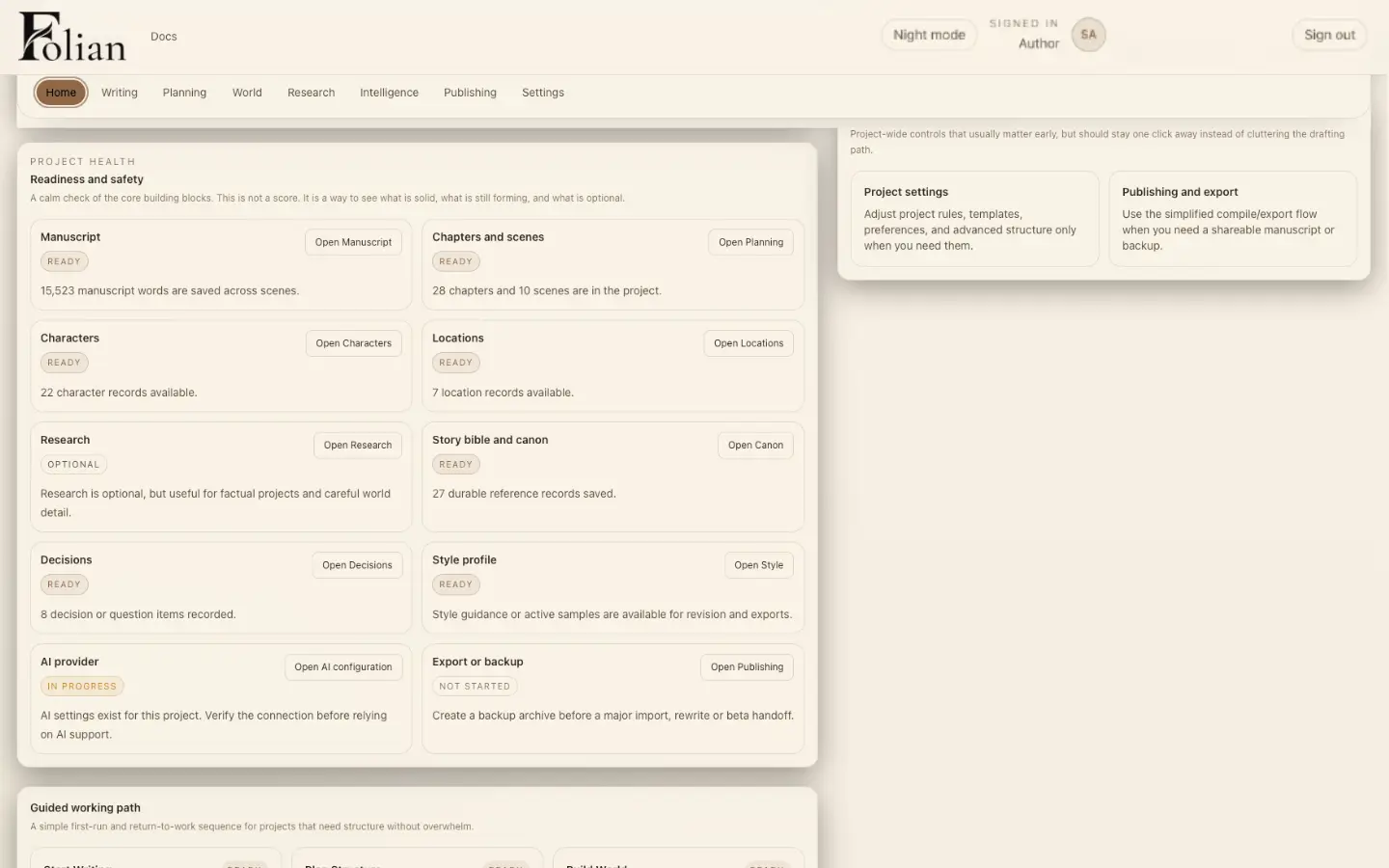
Step 1
Start with the whole book
Before returning to a scene, Folian gives the writer a view of the project around it.
Begin with project health: manuscript, canon, characters and export status in one view.

See how a manuscript moves through Folian, from planning to characters, locations, canon, editing and publishing preparation.
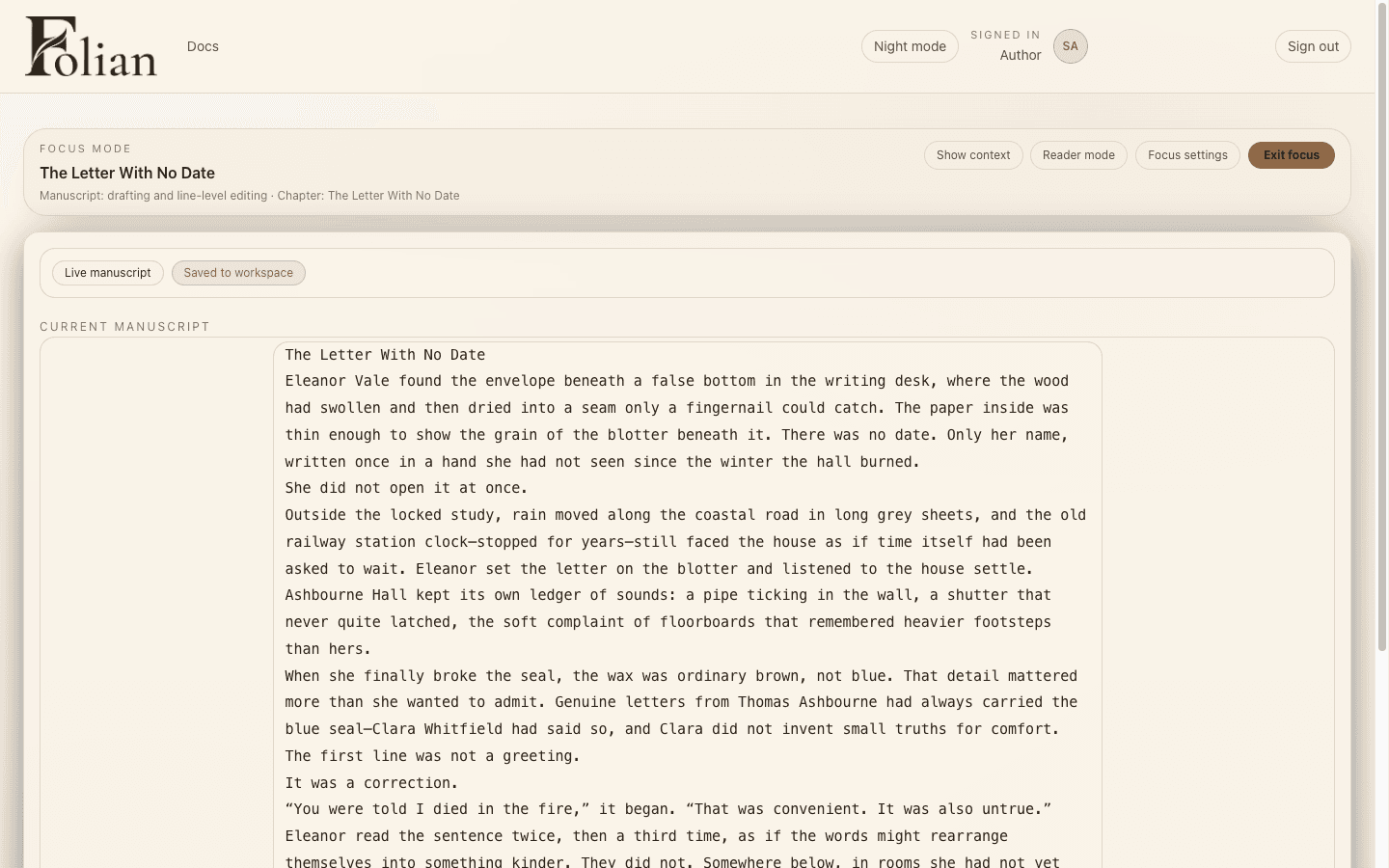
Folian is built around the hidden architecture of a book. The manuscript is the visible layer. Planning, characters, locations, canon, decisions, editing and publishing preparation help the book hold together underneath.
Follow the sequence below to see how a long manuscript moves through Folian, not just what each workspace contains.
Step 1
Before returning to a scene, Folian gives the writer a view of the project around it.
Begin with project health: manuscript, canon, characters and export status in one view.
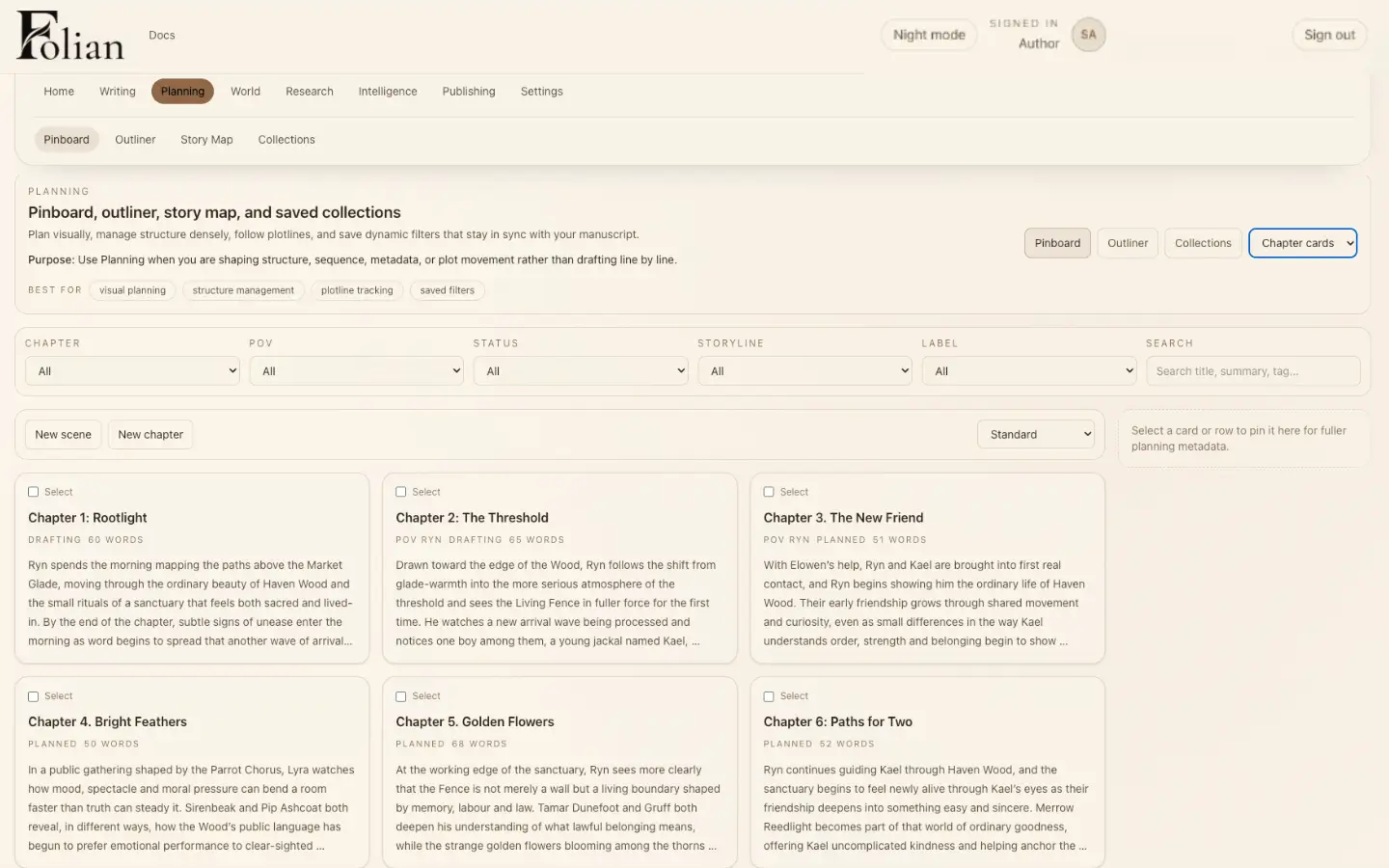
Step 2
From the project overview, the writer can move into planning. Planning should not be frozen before the draft begins, and Folian keeps it close enough to change as the book changes — the same flexible approach covered in our notes on novel writing software.
Plan the structure without losing the manuscript.
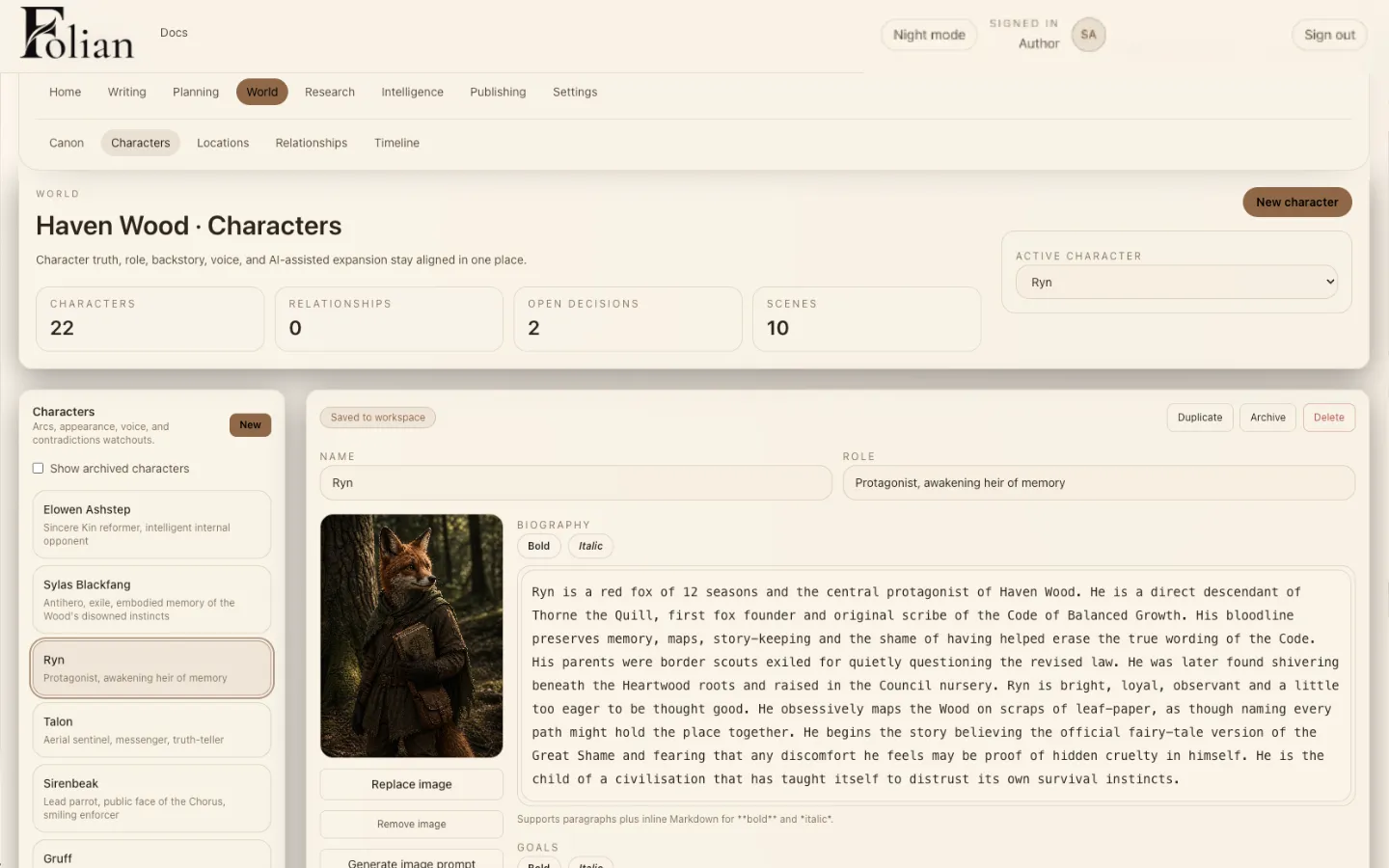
Step 3
Once the plan starts to form, the cast becomes part of the project memory. Characters carry secrets, relationships, conflicts and continuity, and Folian keeps that memory where the story can use it.
Character memory stays part of the writing system.
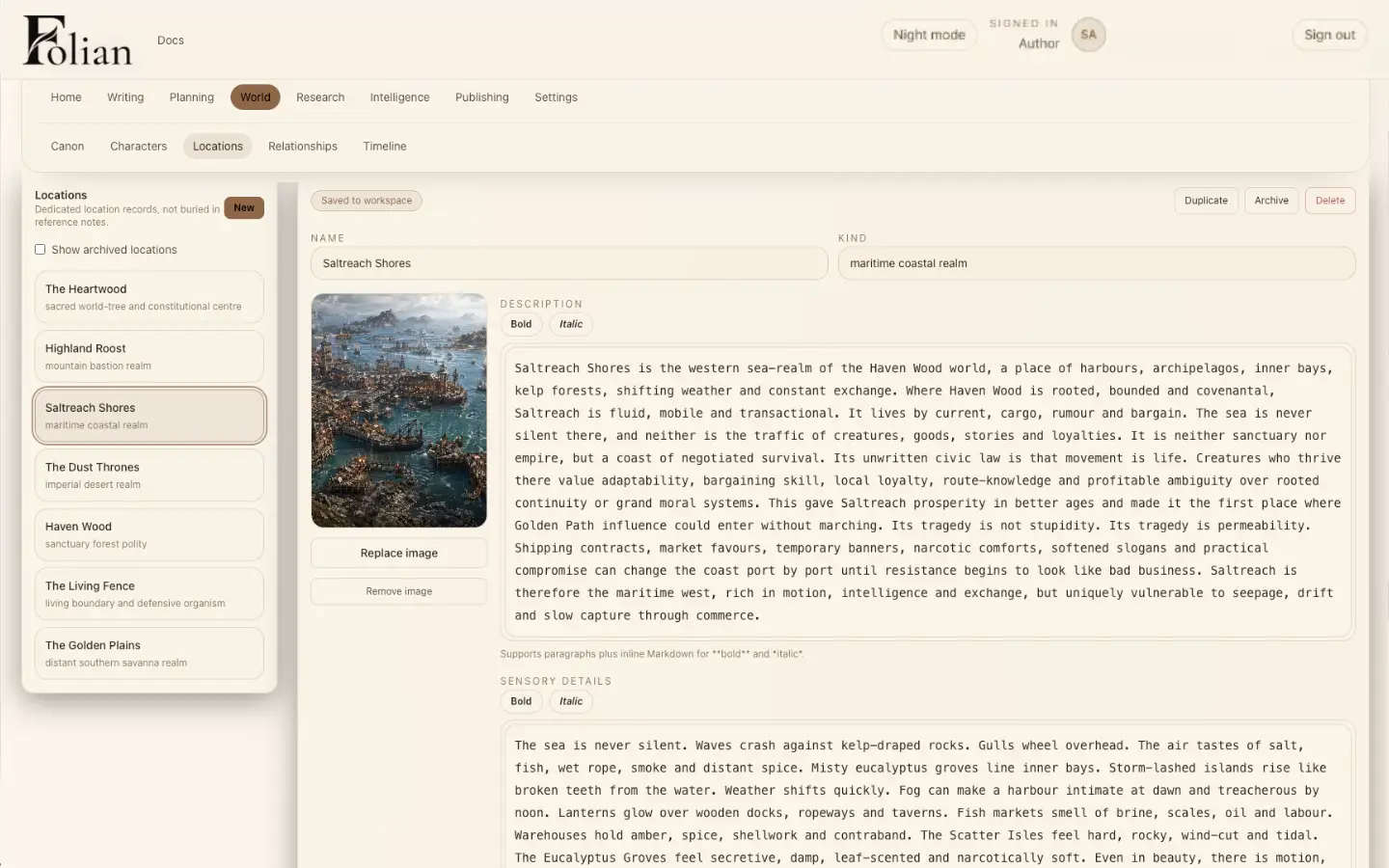
Step 4
With the cast in place, the workflow turns to the places that shape their story. Locations carry mood, history and story logic, and Folian helps the writer keep those details consistent as scenes move through the book.
Keep places connected to the story they shape.
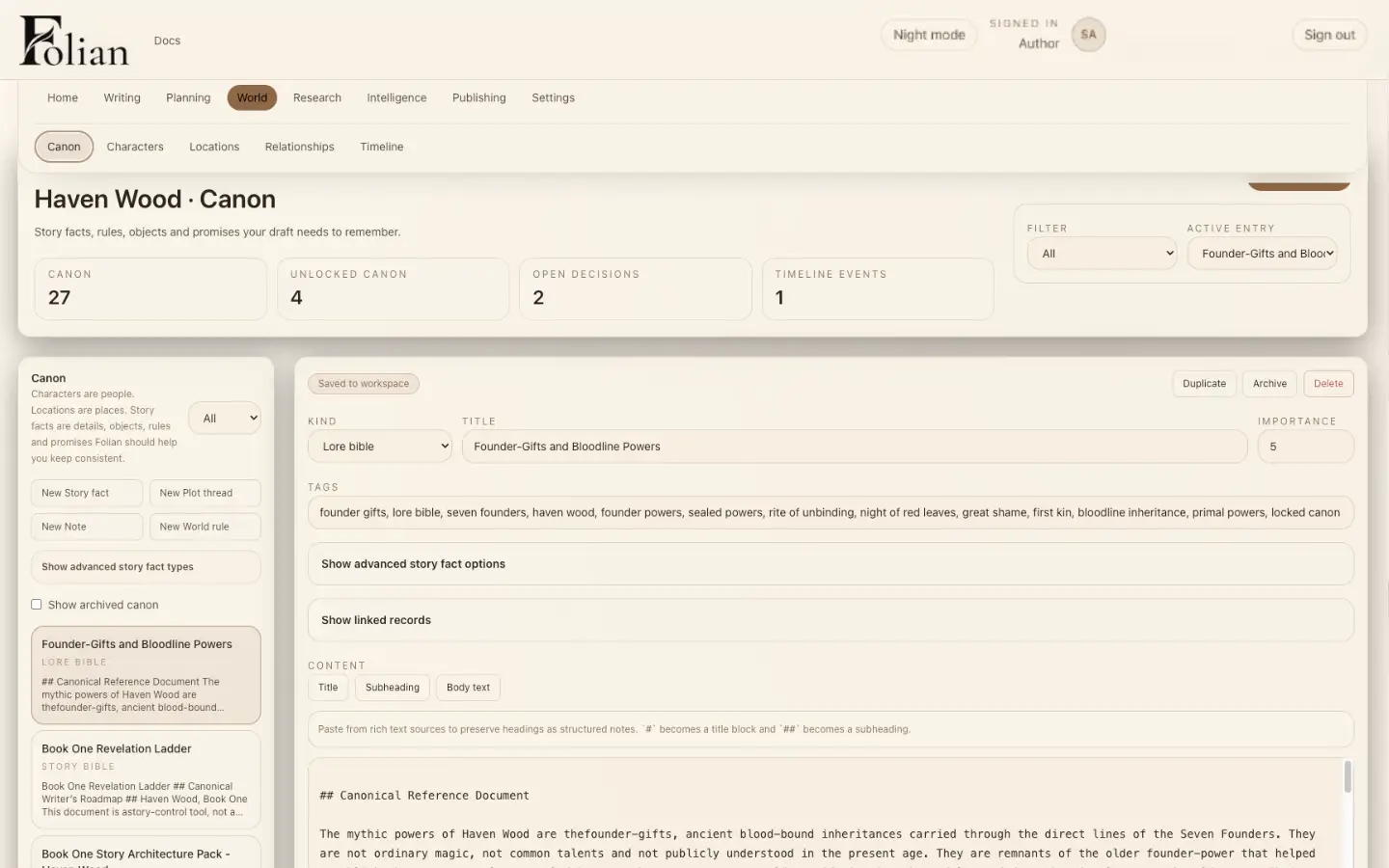
Step 5
From characters and places, the workflow moves into canon. Rules, facts and story truths should not live in forgotten notes — Folian keeps canon inside the writing system, the same continuity challenge explored in our notes on canon management for authors.
Canon stays close to the manuscript.
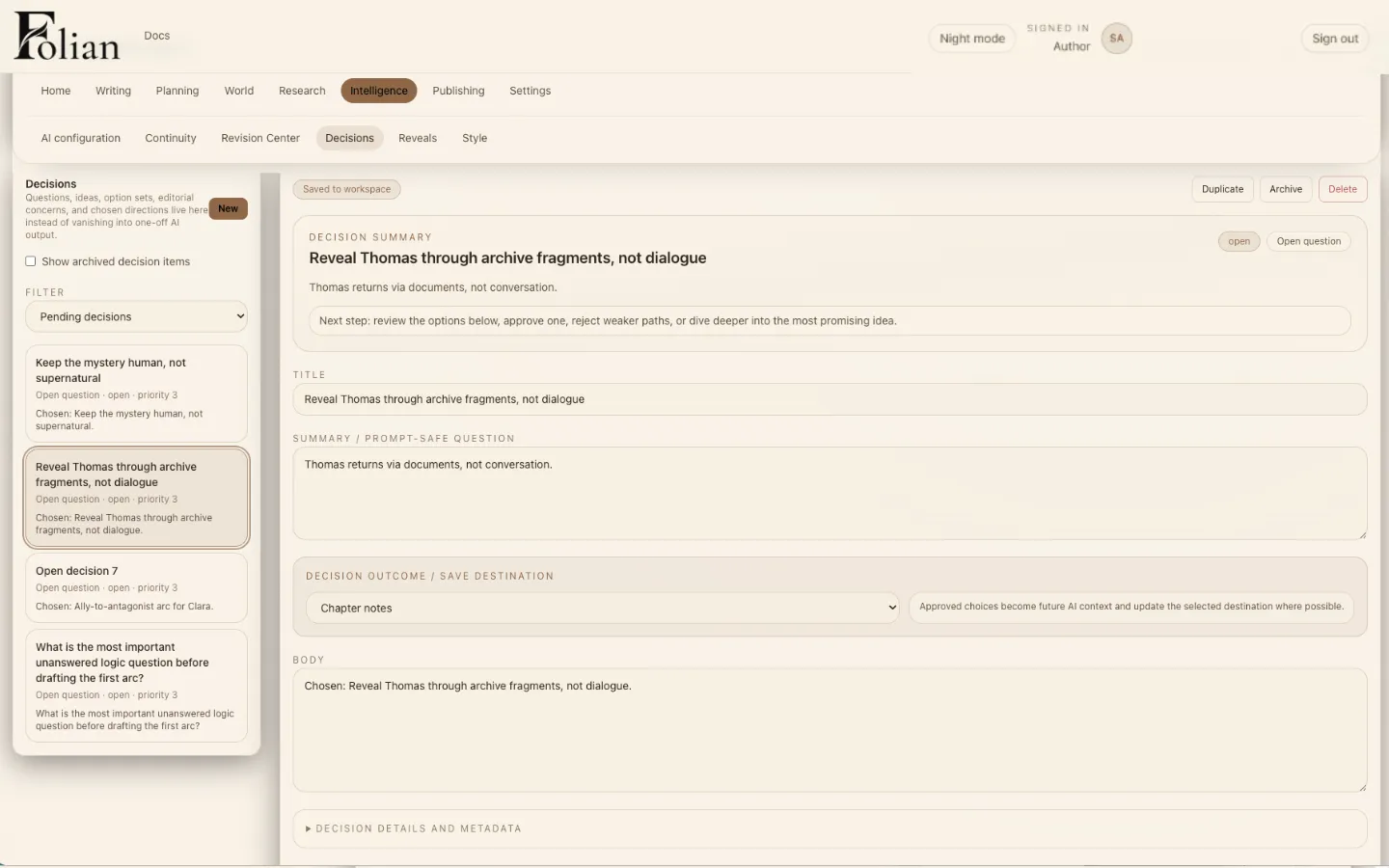
Step 6
When the book changes, decisions keep the reasoning visible. Folian gives major creative decisions a place, so the writer can track why something changed and what it affects later.
Log a major change before it disappears into memory.
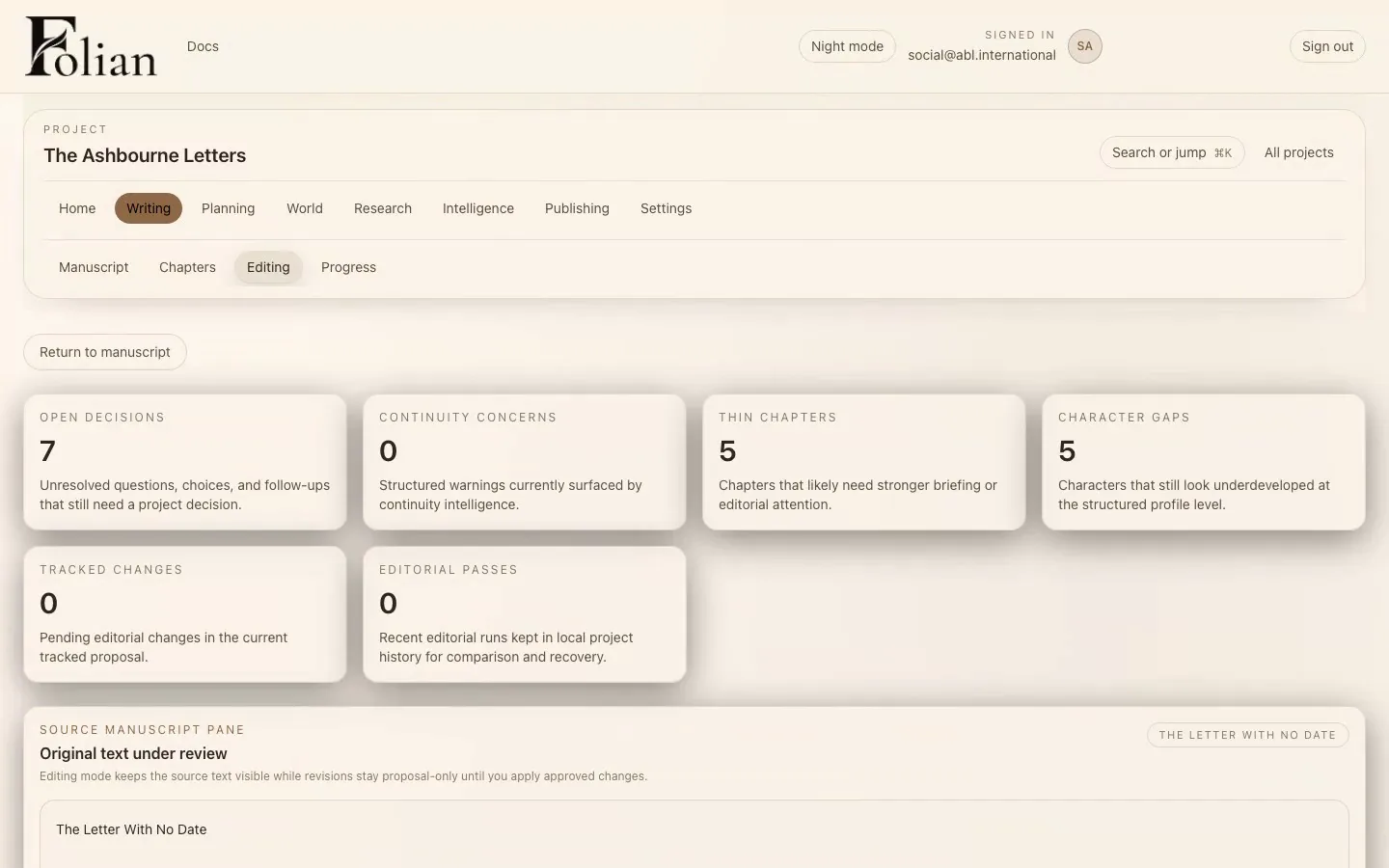
Step 7
With canon and decisions in view, the workflow turns to revision. Editing should not separate the sentence from the story, and Folian keeps editorial work connected to manuscript structure, canon and author intent.
Focused editing stays connected to the project.
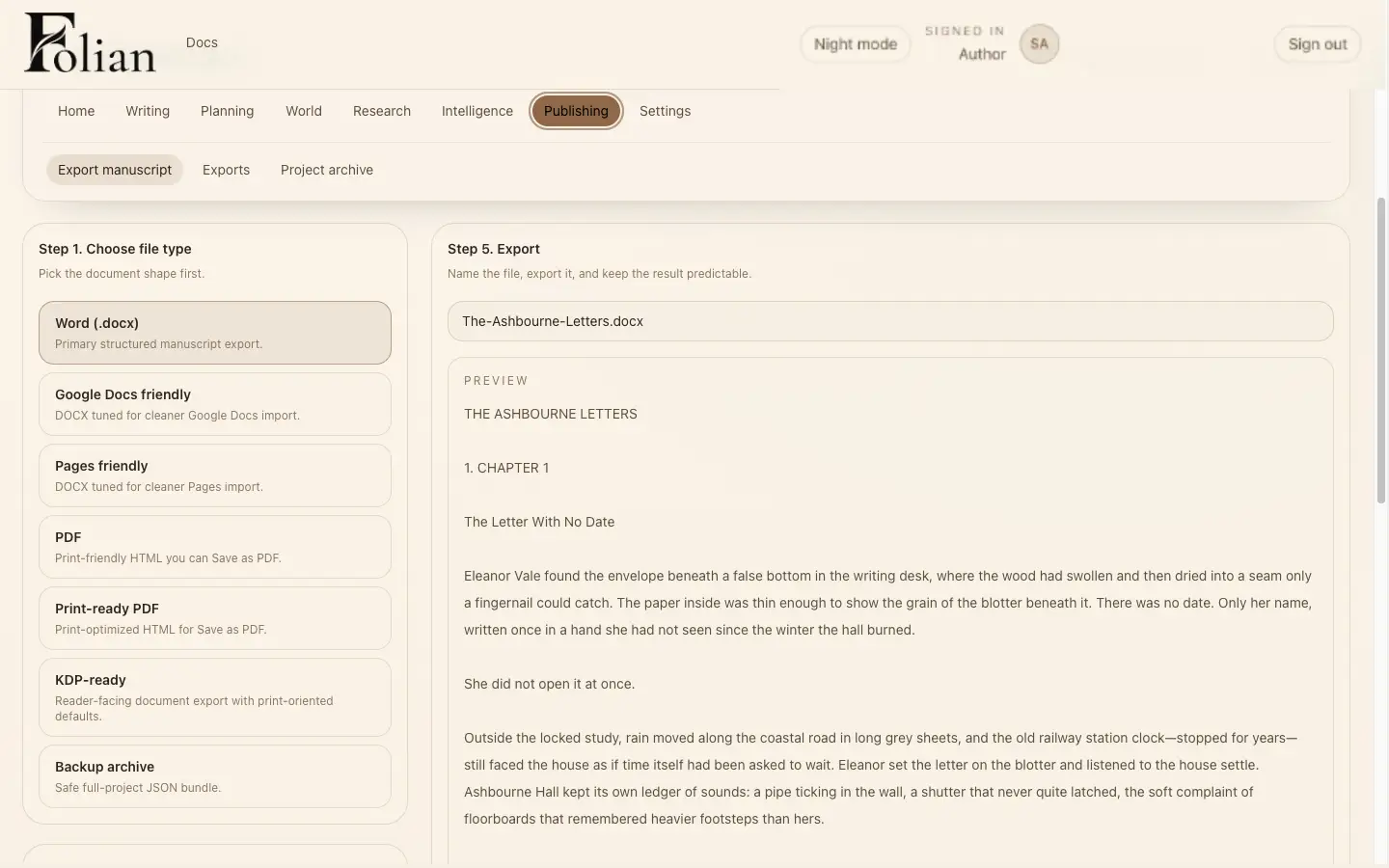
Step 8
When the draft is ready, publishing preparation stays connected to the manuscript. Folian keeps track of export formats, output structure and next steps without losing project context as the book moves beyond drafting.
Choose an export format without leaving the manuscript behind.
Optional AI
AI in Folian is optional. When configured, it can help answer questions, support revision and work with the context the author has built. It is not the centre of the product. The manuscript is. Read more about where Folian sits among AI writing tools in our notes on the AI writing OS.
Local-first
Folian is local-first desktop software. Your manuscript lives on your machine. Optional AI is configured by the writer.
Public beta for Mac
Folian for Mac is available now in public beta. Your manuscript, characters, canon, research, planning and creative decisions live in one local-first workspace.